Windows Install
Download the applicable script for your system from the Nuvu releases page.
Prerequisites
Install Git through the instructions found on the GitHub website: GitHub Git install instructions
Installation Steps
Step 1: Place the Installer
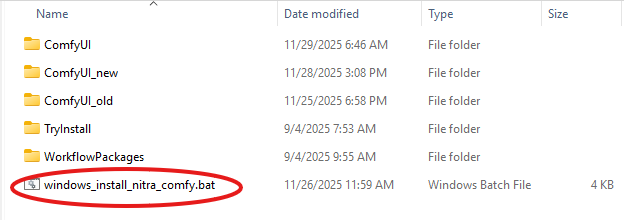
Place the .bat file in the folder location on Windows where you want to install ComfyUI-Nuvu. Double-click on the .bat file, and it will start to install ComfyUI with Nuvu.
Step 2: Launch ComfyUI
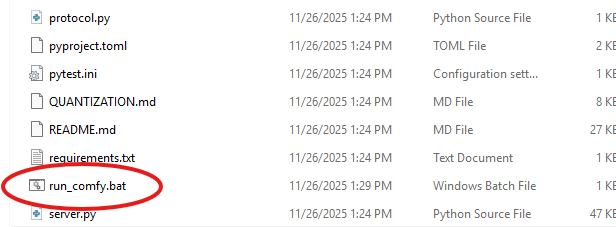
Inside the ComfyUI folder, you will find a file called run_comfy.bat. Double-click this file to launch ComfyUI. Wait until the terminal stops producing text and then go to the next step.
Step 3: Access ComfyUI
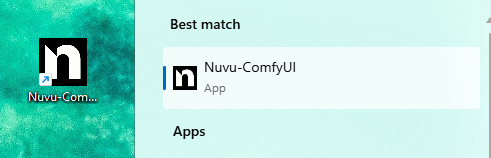
You will also find a shortcut on your desktop and a link in your start menu.
Your default browser should pop open when ComfyUI starts. You can also navigate to one of these addresses in your web browser (Firefox or Google Chrome recommended):
Next Steps
- Create an Account — Sign up for free
- The Nuvu Advantage — See what Nuvu can do
- ComfyUI Optimizer — Optimize your installation