Create an Account
Once you have Nuvu installed into ComfyUI, you can create a free account to access all the free features.
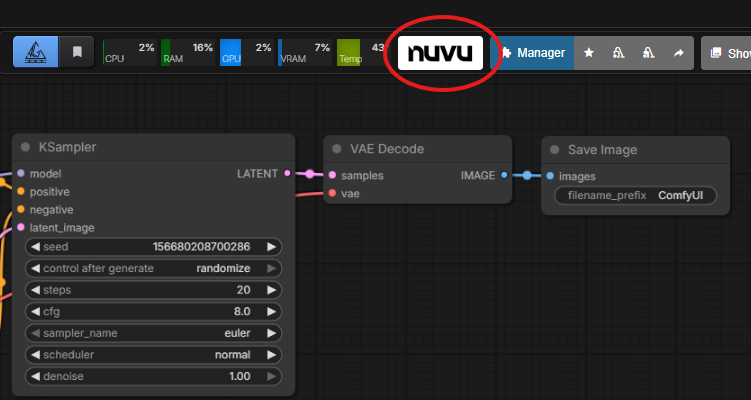
Step 1: Open the Nuvu Menu
Click on the Nuvu button at the top of ComfyUI.
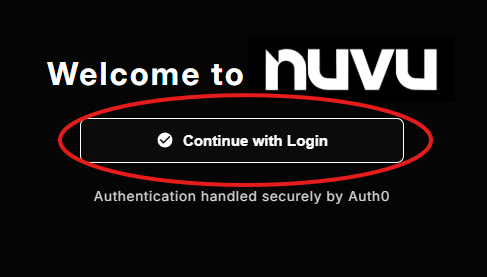
Step 2: Start Login
Click the "Continue with Login" button on the dialog that pops up.
Security
All authentication is handled by Auth0 for optimal user security. The only personal data that Nuvu Labs stores are name and email address for account handling.
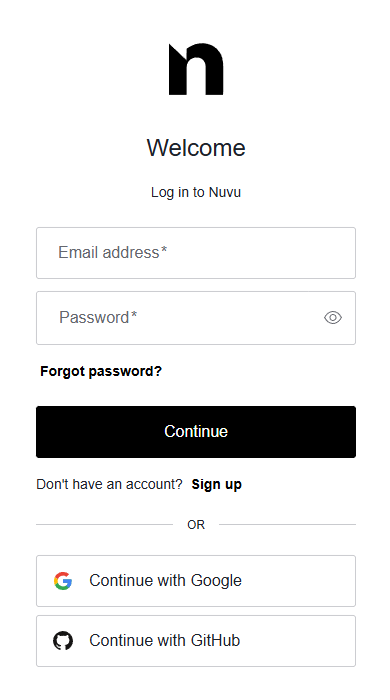
Step 3: Authenticate
Authenticate the Auth0 form with either:
- Email/Password
- GitHub
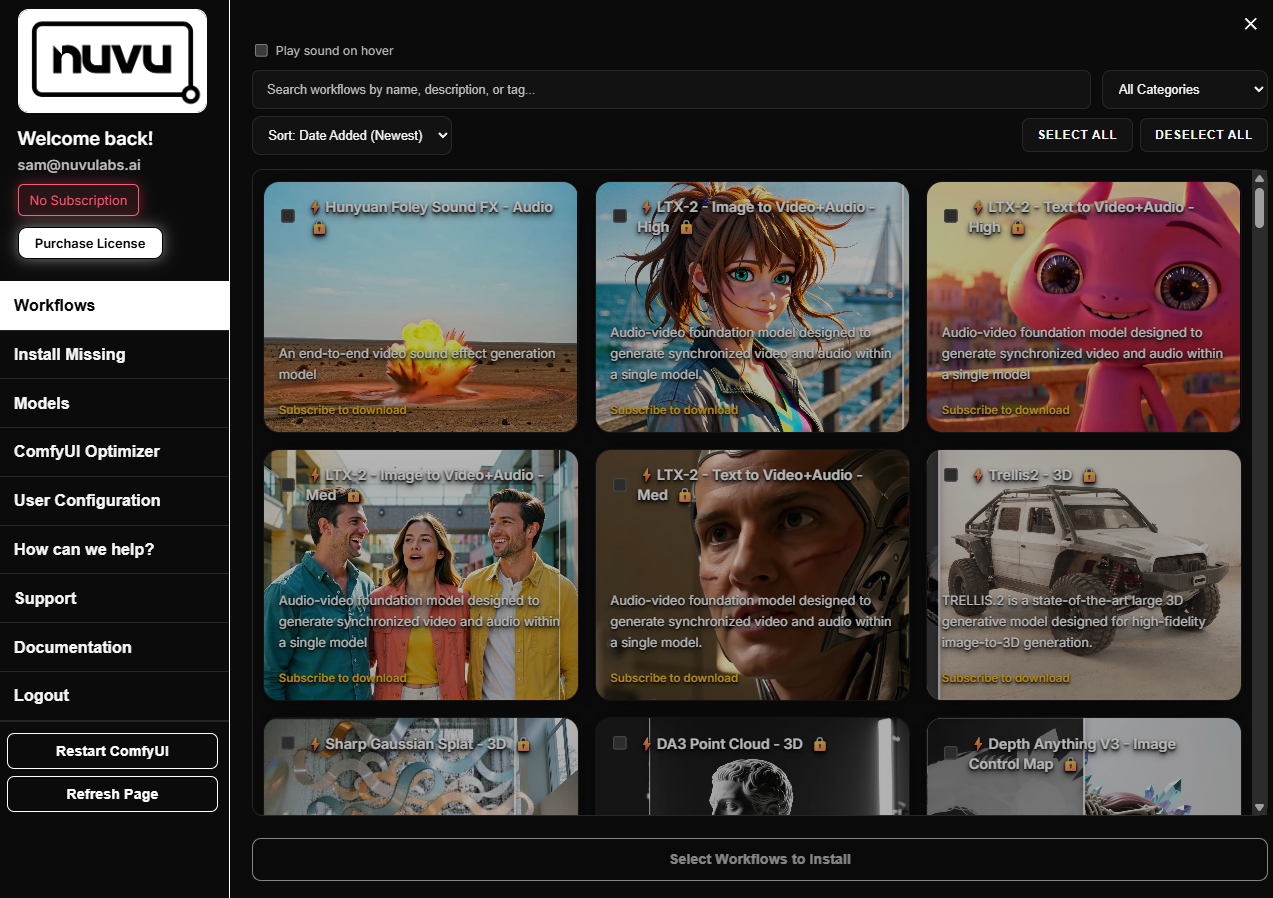
Step 4: Access the Dashboard
Once you've completed login, you should be redirected back to ComfyUI, where you will see the Nuvu Dashboard appear.
Next Steps
Ready to access 100+ premium workflows? Learn how to Subscribe to Premium.
Related
- Free vs Premium Features — Compare what's included
- Workflow Installer — Browse available workflows
- ComfyUI Optimizer — Free tools you can use now
- Installation — Haven't installed yet? Start here