Comfy Manager Installation
If you already have ComfyUI installed, you can add Nuvu through the ComfyUI-Manager.
Prerequisites
You must have ComfyUI-Manager installed and working.
Installation Steps
Step 1: Open Comfy Manager
Install and open the ComfyUI-Manager.
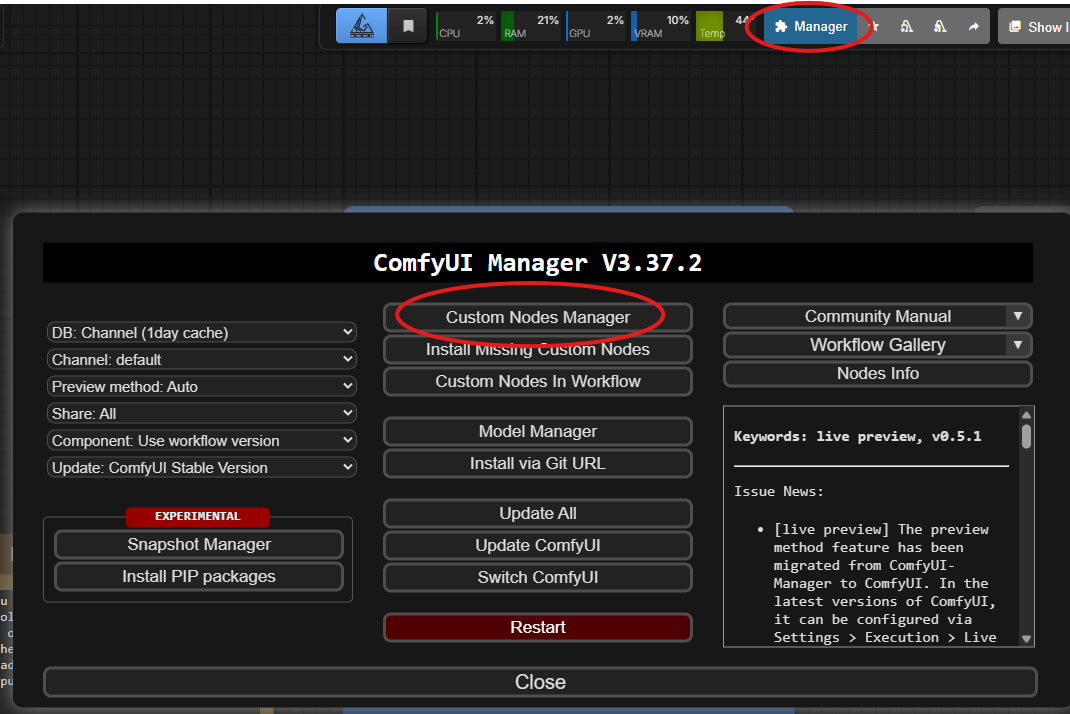
Step 2: Search and Install Nuvu
Search for "Nuvu" and click the ComfyUI-Nuvu "Install" button.

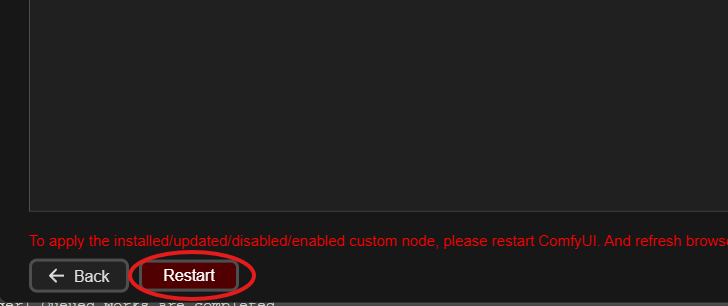
Step 3: Restart ComfyUI
Click "Restart" after the install completes, and then refresh your browser after ComfyUI comes back online.
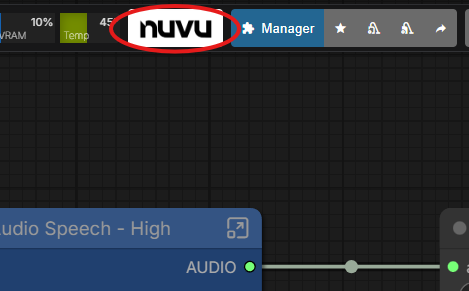
Step 4: Verify Installation
After restarting, you should see the Nuvu button in your toolbar.
Next Steps
- Create an Account — Sign up for free
- The Nuvu Advantage — See what Nuvu can do
- Workflow Installer — Install your first workflow